

Set up your workspace
Complete these once, in the UpPass Portal. Each step produces one of the values the examples refer to — see Values you need for the full lookup table.
After signing up you land on the dashboard, which lists your flows and total submissions. On a new account it is empty:
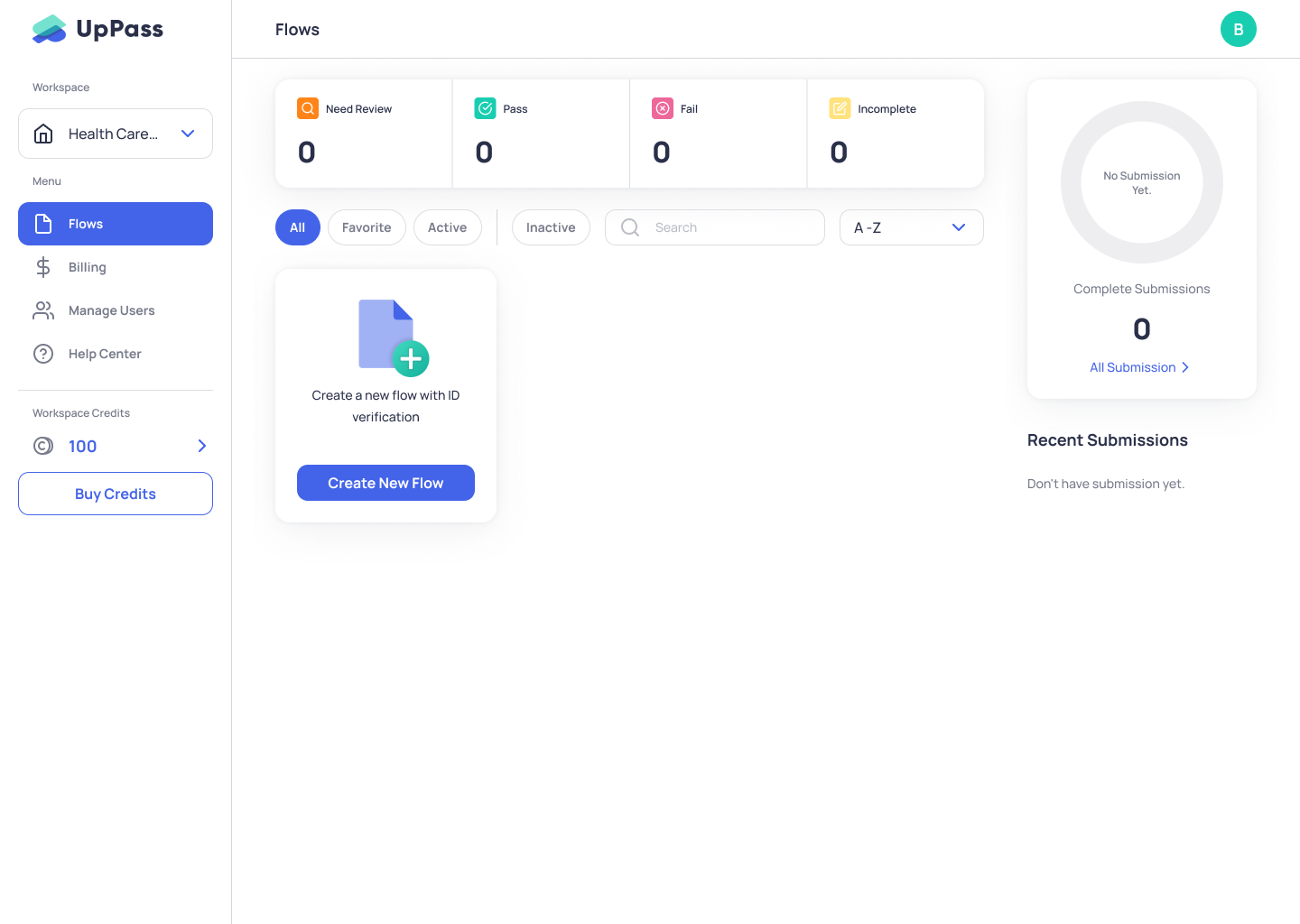
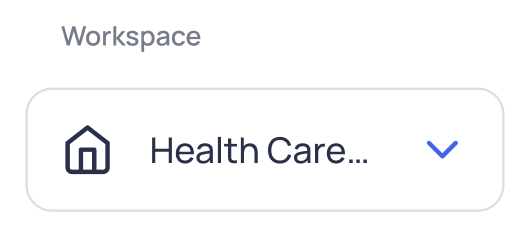
A workspace is the container holding every flow. You get one per account; others are accessible by invitation.
The checklist
Section titled “The checklist”-
Create a flow. Form → Builder. A flow holds the sequence of verification steps, and its name becomes your
form_slug.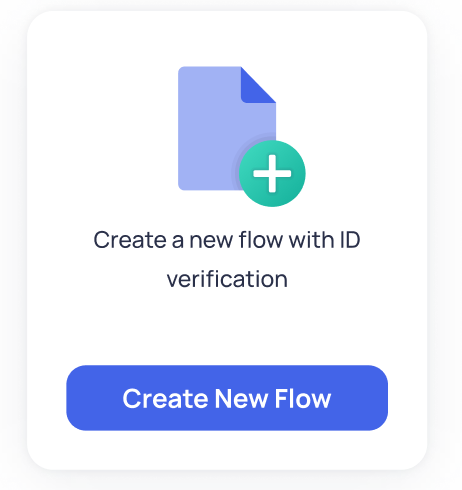
-
Note the field names you want to pre-fill. The Builder shows the name of each field in the flow. Those names are the keys you send in
answers. -
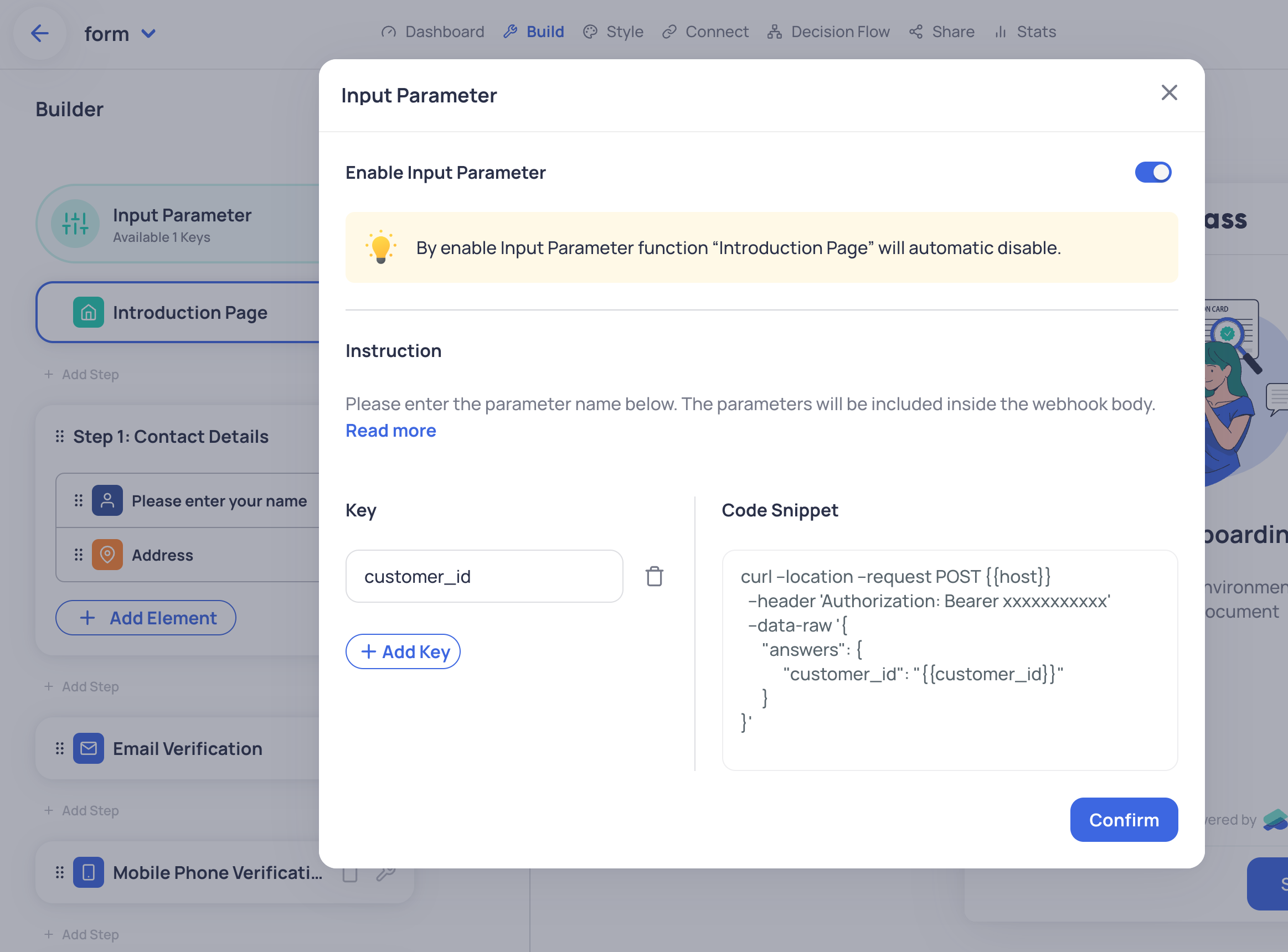
Declare input parameters. Form → Builder → Input Parameter. Use these to carry your own references — an order id, a customer id — through to the webhook, and to display or pre-fill values inside the form itself.
-
Create an API token. API Token in your workspace’s left-hand menu. Keep it server-side only.
-
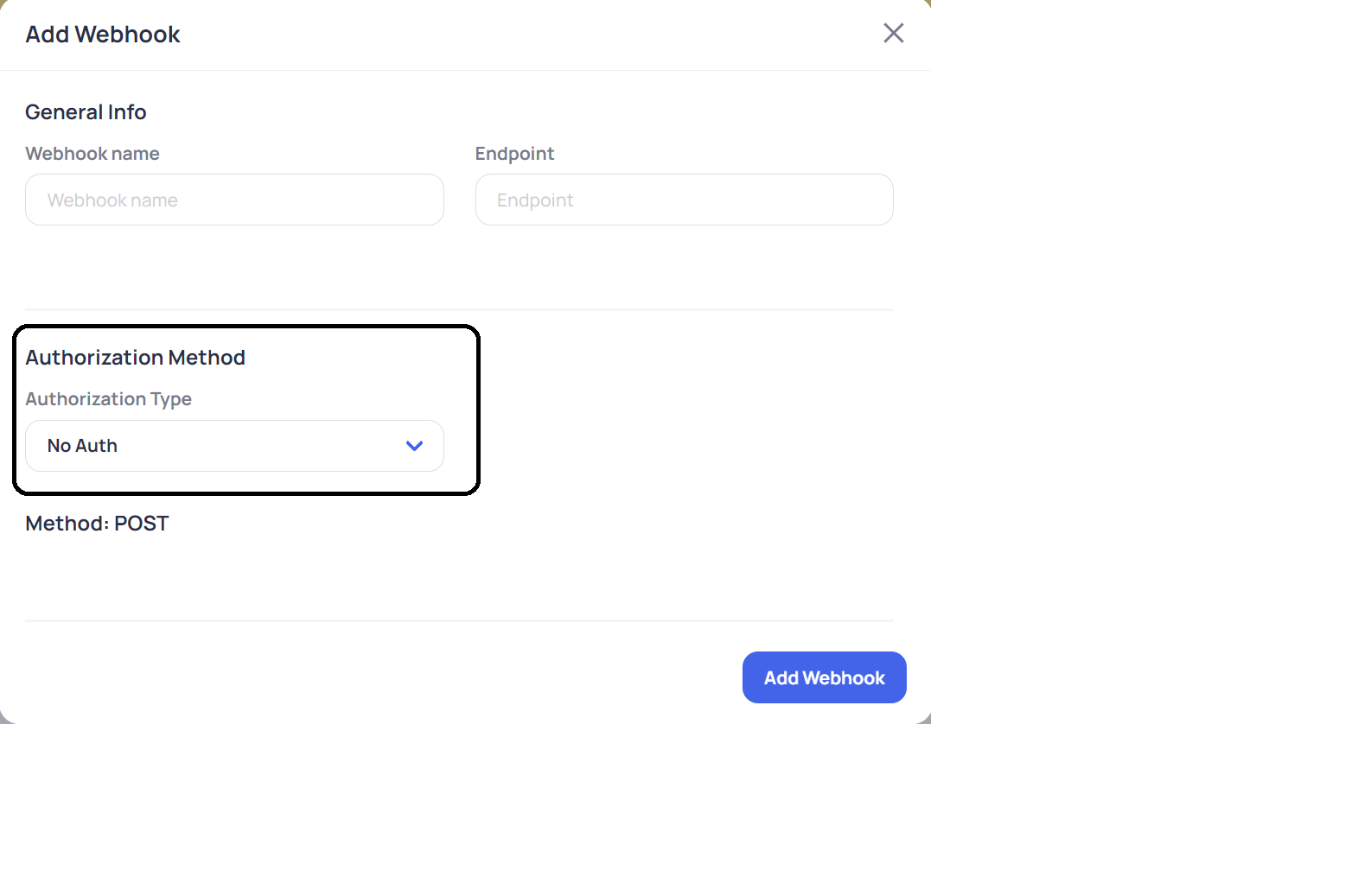
Configure the webhook. Connect → Add Webhook. Point it at your HTTPS receiver, choose
Bearerauthorization, and subscribe tosubmit_format minimum.
-
Bind a Decision Flow to
on_submit. The Decision Flow is what turns a submission into a verdict, and what populates the status columns you read back. -
Set the callback URL. Form → Builder → Settings, on the last page. This is where the applicant is sent after the thank-you page — typically back into your own journey. The result itself still arrives on the webhook, not on this redirect.
Workspace URLs
Section titled “Workspace URLs”With your own workspace, form_slug and slug substituted:
# Dashboard for one flowhttps://app.uppass.io/en/dashboard/flows/{form_slug}/overall?workspace={workspace}
# Public entry page — no API token needed, but results cannot be tied to your recordshttps://app.uppass.io/en/{form_slug}
# One applicant's form (this is what the API returns as form_url)https://app.uppass.io/en/form/{form_slug}/{slug}/
# Poll that applicationhttps://app.uppass.io/en/api/forms/{form_slug}/applied-forms/{slug}/result/
Device requirements
Section titled “Device requirements”The verification experience is mobile web only.
| Platform | Browser | Minimum |
|---|---|---|
| Android | Google Chrome | 107+ |
| Android | Samsung Internet | 6.2+ |
| Android | Firefox | 106+ |
| iOS | Safari | 12+ |
| iOS | WKWebView |
14.3+ |